
Suppose we are working with two longitudinal datasets to explore economic behavior over time. One of the datasets has information about labor outcomes of individuals over time (nlswork.dta), and the other has information about market values of companies over time (grunfeld.dta).
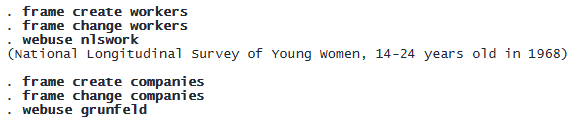
We now save all frames in a frameset:

Now suppose we want to look into patterns of domestic research and development. We have a longitudinal dataset xtcoint.dta.
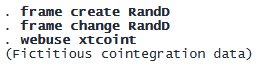
We can add frames to the potentially large frameset without loading the latter into memory:

© Copyright 1996–2026 StataCorp LLC. All rights reserved.
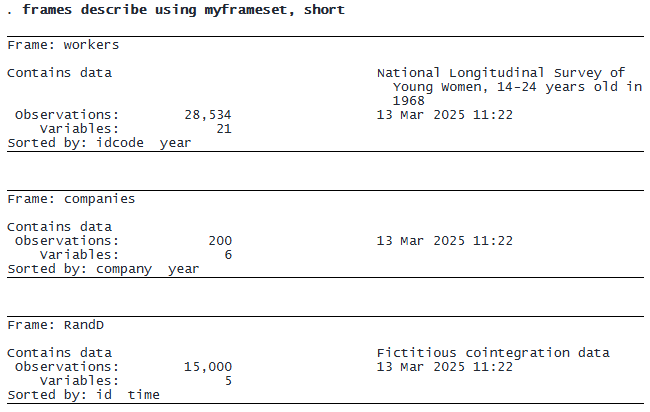
We now have a frameset with three features of the economy over time:
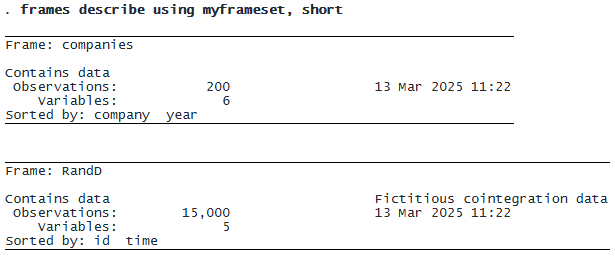
We can drop frames from the frameset without loading it:

We now have